How to Search Across Hundreds of PDFs, Word Documents, and Excel Files With AI
· 7 min read
"I spend too much time hunting through PDFs" is usually not a PDF problem. It is a workspace problem. The answer might be in a PDF appendix, a Word draft, a spreadsheet row, a Markdown note, or an older file someone forgot to rename.
The practical way to search across hundreds of PDFs, Word documents, and Excel files with AI is to index the folder once, use both keyword and semantic search, open the original sources behind each result, and treat the AI answer as a reviewable draft rather than a final authority.
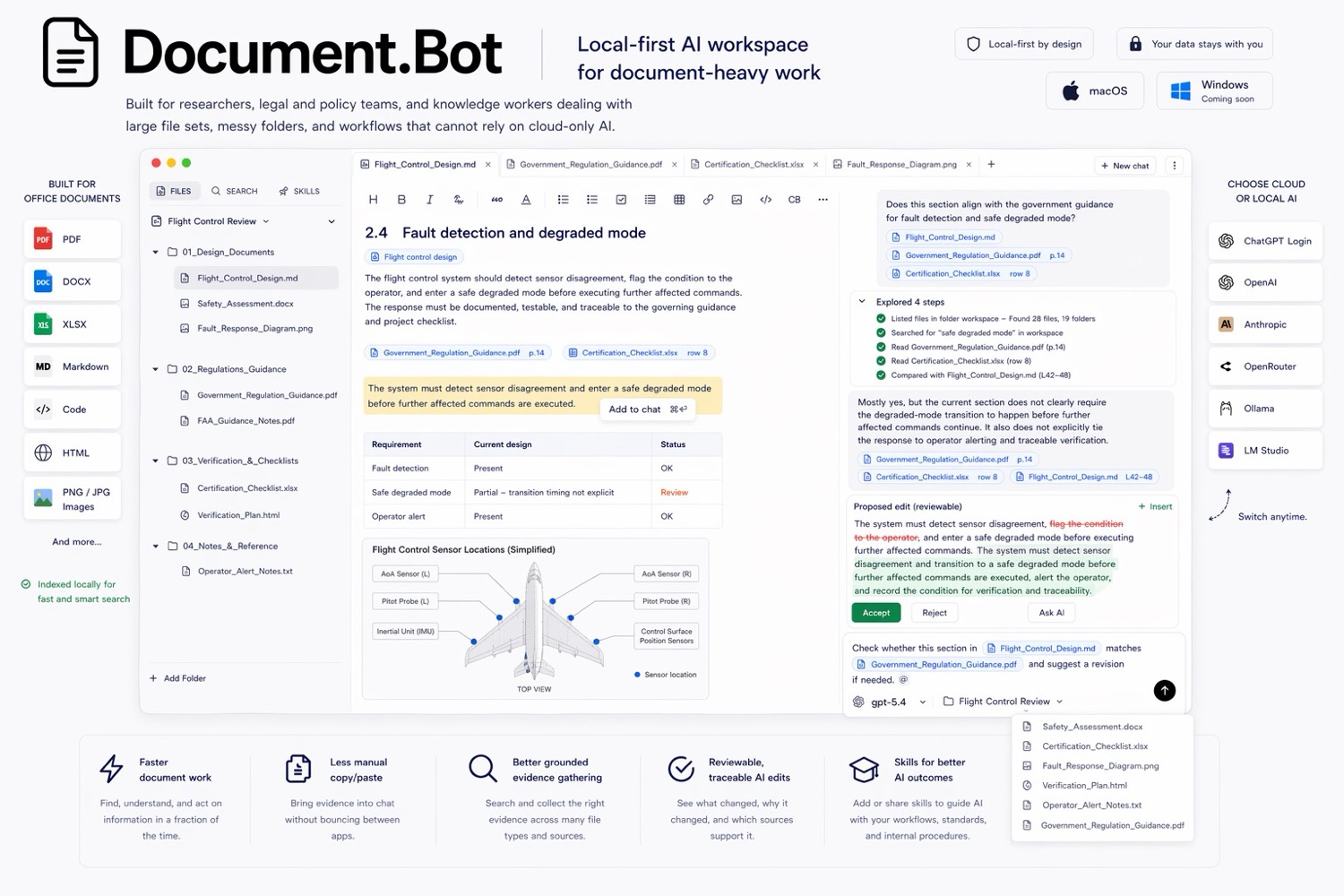
Document.Bot is built for that workflow: point it at a folder, search mixed formats, ask source-backed questions, and inspect the documents behind the answer.