9 posts tagged with "document search"

View All Tags

AI Document Analysis: Analyze Mixed Files Without Losing the Source Trail

· 8 min read

AI document analysis means using AI to find, compare, summarize, and review information across document files. For serious work, the important part is not only the summary. The important part is whether the user can open the original source, inspect the surrounding context, and decide whether the AI answer is supported.

The best AI document analysis workflow works across mixed files: PDFs, Word documents, spreadsheets, PowerPoint files, images, Markdown, notes, and HTML. It should find likely sources, group evidence, show conflicts, and keep a human reviewer in control before anything becomes a decision, report, or document update.

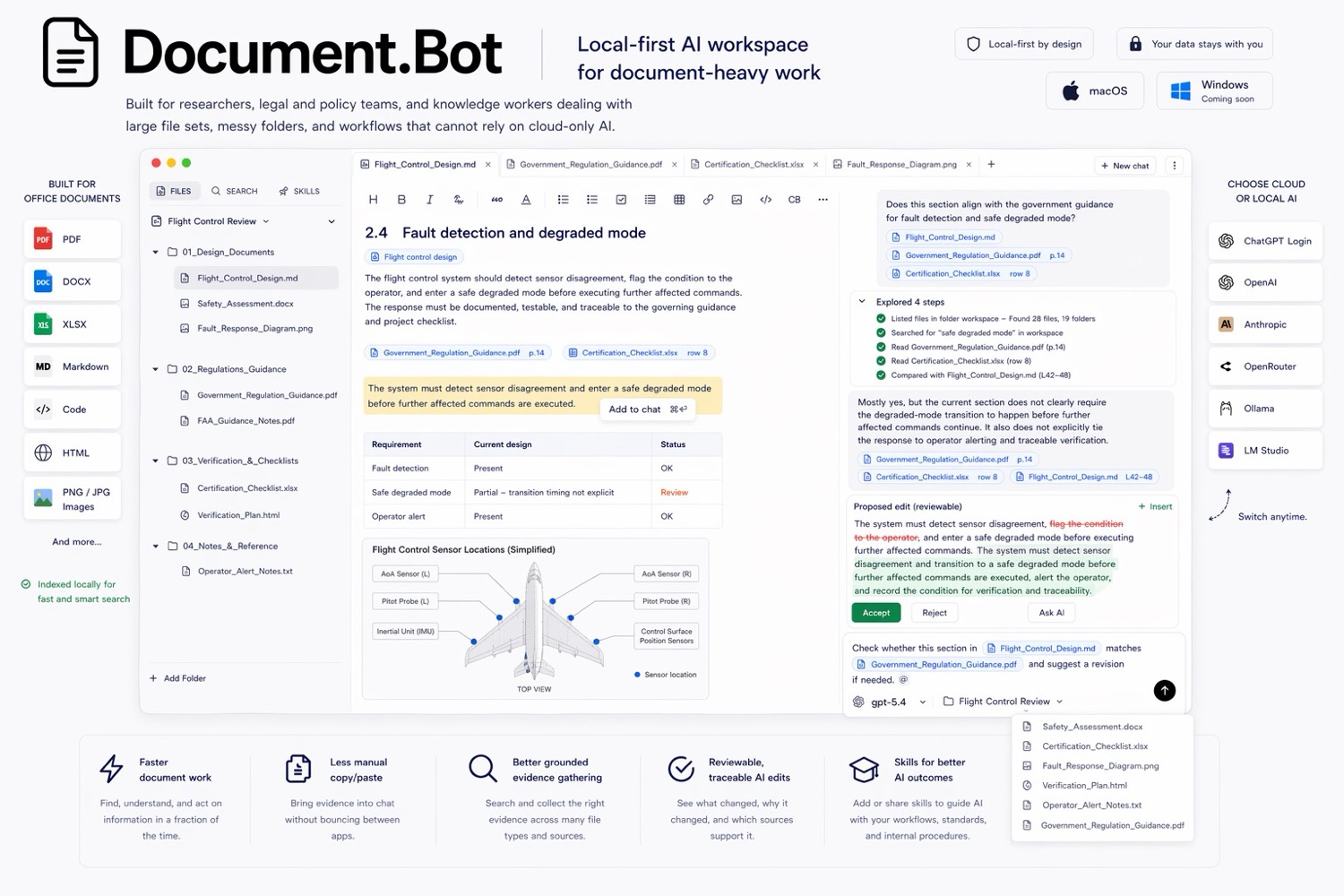
Document.Bot is built for that source-backed workflow inside real document folders.
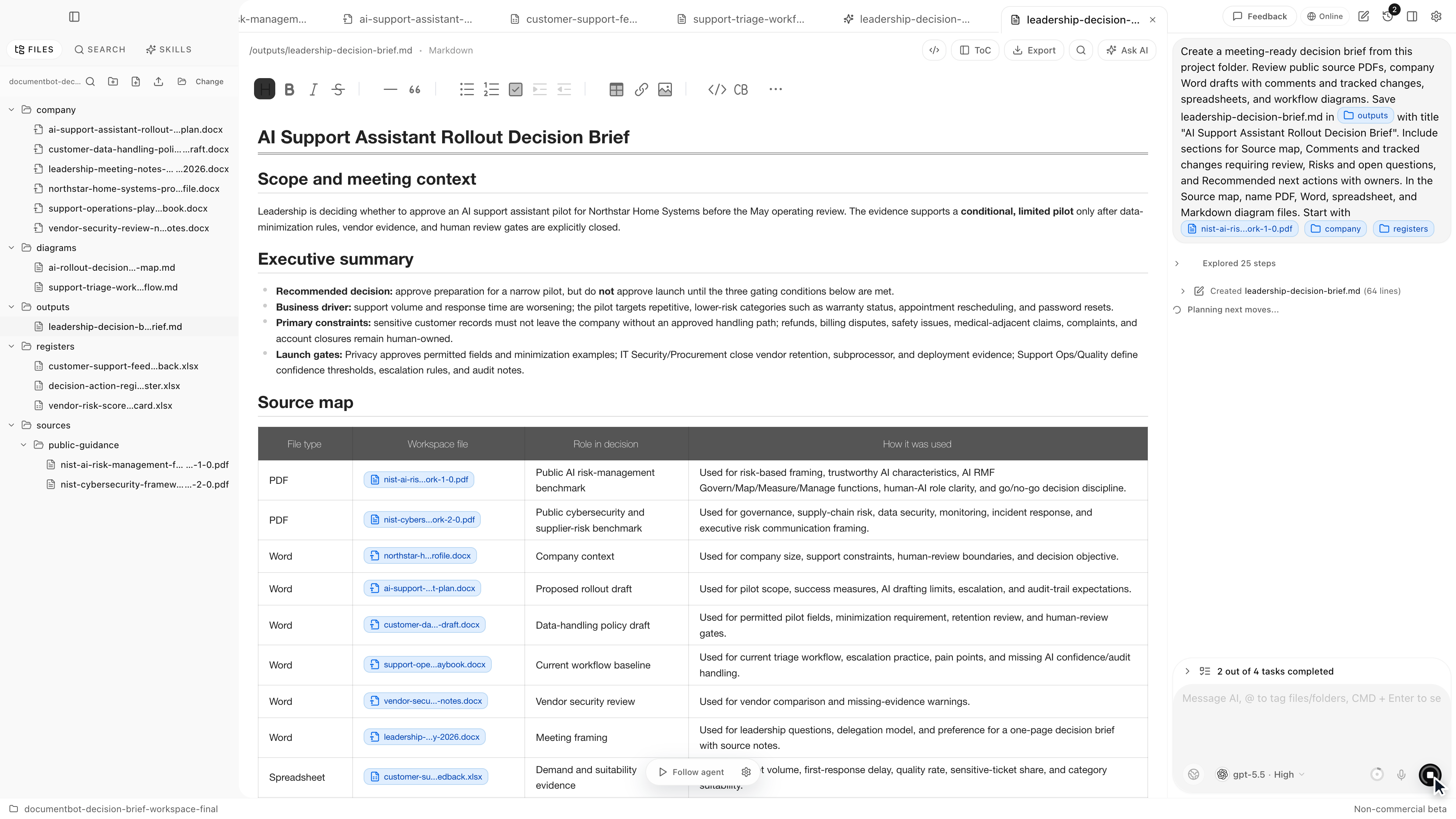
Document.Bot source-backed decision brief workspace

The Hidden Problem With AI Citations: They Need to Open the Original Source

· 7 min read

AI citations are only useful when they help you open the original source and inspect the surrounding context. A citation that looks neat but cannot be checked is not enough for serious document work.

The hidden problem is simple: the model can give an answer with references, but the user still needs to know whether the cited file, page, section, row, or passage actually supports the claim. "The answer is useless if I cannot see the source" is the right standard.

Document.Bot is built around that source-backed workflow for folders of PDFs, Word files, spreadsheets, Markdown, and notes.

Document.Bot meeting-ready decision brief workspace

AI for Research Paper Libraries: Search Thousands of PDFs Without Losing Citations

· 7 min read

AI search for a research paper library is useful when it helps you search thousands of PDFs, inspect the original source, and keep citation checks visible. The goal is not to make the model sound confident. The goal is to find the right methods, results, definitions, and related papers without losing the citation trail.

If you have ever thought, "I spend too much time hunting through PDFs," the problem is usually not one paper. It is the library: renamed files, old downloads, preprints, supplementary material, notes, and folders that grew for years.

Document.Bot is built for that kind of source-backed research workflow inside a real folder of PDFs, Word files, spreadsheets, Markdown, and notes.

Document.Bot meeting-ready decision brief workspace

AI for Office Documents: Search Word, Excel, CSV, and PDF Files Together

· 7 min read

AI search for office documents is useful when it searches Word, Excel, CSV, and PDF files together and keeps the sources visible. Office work rarely lives in one clean document. A decision might start in a Word draft, move into a spreadsheet tracker, be formalized in a PDF policy, and appear again in a CSV register.

The practical answer is to search the folder as a workspace, use both semantic search and exact search, inspect the original files, and treat the AI output as a reviewable draft.

Document.Bot is built for that mixed-format workflow inside real folders of PDFs, Word files, spreadsheets, Markdown, and notes.

Document.Bot local-first document workspace

Why ChatGPT File Uploads Break Down for Large Document Folders

· 7 min read

ChatGPT file uploads are useful when you have a small number of files and a quick question. They are much less useful when the work depends on a large folder of PDFs, Word documents, spreadsheets, notes, and repeated source review.

The issue is not that chat is bad. The issue is that large document folders need a different workflow: index once, search repeatedly, inspect original sources, preserve context, and choose the right model boundary for the data.

Document.Bot is a folder-first alternative for that kind of work. It helps users search and inspect a real document workspace instead of rebuilding context through one-off uploads.

Document.Bot meeting-ready decision brief workspace

How to Cross-Reference Requirements Across PDFs, Word Docs, and Spreadsheets With AI

· 7 min read

"I need to know every place this requirement appears" is one of the hardest document questions because the answer is rarely in one clean system.

A requirement might live in a PDF standard, a Word procedure, an Excel compliance matrix, an old risk register, a Markdown note, and a customer response. The practical way to cross-reference requirements with AI is to index the whole document folder, use both keyword and semantic search, build a source map, and keep every proposed update reviewable.

Document.Bot is built for that source-backed workflow across PDFs, Word files, spreadsheets, and notes.

Document.Bot local-first document workspace

How to Search Across Hundreds of PDFs, Word Documents, and Excel Files With AI

· 7 min read

"I spend too much time hunting through PDFs" is usually not a PDF problem. It is a workspace problem. The answer might be in a PDF appendix, a Word draft, a spreadsheet row, a Markdown note, or an older file someone forgot to rename.

The practical way to search across hundreds of PDFs, Word documents, and Excel files with AI is to index the folder once, use both keyword and semantic search, open the original sources behind each result, and treat the AI answer as a reviewable draft rather than a final authority.

Document.Bot is built for that workflow: point it at a folder, search mixed formats, ask source-backed questions, and inspect the documents behind the answer.

Document.Bot local-first document workspace

Semantic Search vs Keyword Search for Document Folders: What Each Misses

· 7 min read

Keyword search and semantic search solve different problems in document folders. Keyword search is best when the exact text matters. Semantic search is best when the meaning matters but the wording varies.

For serious document work, the best answer is usually not one or the other. A high-recall workflow uses both, keeps the original source open for review, and treats AI output as a draft.

Document.Bot is built around that hybrid search loop for folders of PDFs, Word files, spreadsheets, Markdown, and notes.

Document.Bot local-first document workspace

How to Build a Source-Backed AI Document Search Workflow

· 7 min read

A source-backed AI document search workflow connects every useful answer back to the documents that support it. The point is to find evidence, inspect original sources, draft a reviewable output, and keep a human responsible for the final decision.

This matters for teams working with policies, technical documentation, research, safety records, contracts, quality files, financial workbooks, and operational notes.

Document.Bot is built for source-backed work inside a real folder of PDFs, Word files, spreadsheets, Markdown, and notes.

Document.Bot local-first document workspace