AI for Research Paper Libraries: Search Thousands of PDFs Without Losing Citations
AI search for a research paper library is useful when it helps you search thousands of PDFs, inspect the original source, and keep citation checks visible. The goal is not to make the model sound confident. The goal is to find the right methods, results, definitions, and related papers without losing the citation trail.
If you have ever thought, "I spend too much time hunting through PDFs," the problem is usually not one paper. It is the library: renamed files, old downloads, preprints, supplementary material, notes, and folders that grew for years.
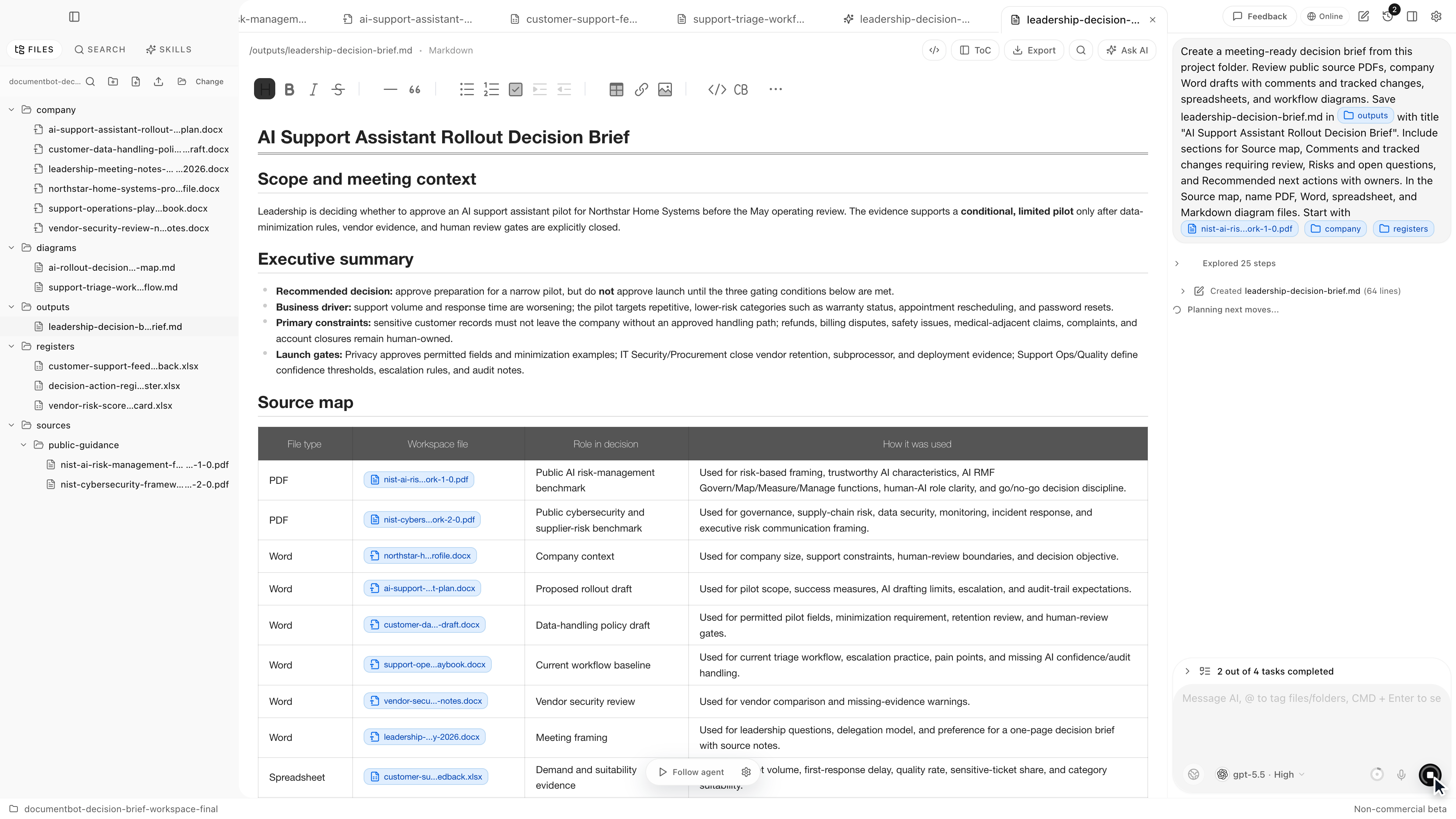
Document.Bot is built for that kind of source-backed research workflow inside a real folder of PDFs, Word files, spreadsheets, Markdown, and notes.
The Short Answer
AI can help search a research paper library when it combines semantic search, keyword search, source opening, and human citation review. Semantic search helps find related ideas when authors use different wording. Keyword search helps with exact author names, compounds, methods, datasets, identifiers, and phrases.
But AI output should not be treated as a bibliography authority. A useful workflow keeps the original paper open for review, shows which source supports each claim, and makes it easy to reject weak or unsupported citations.
Why Research Libraries Break Normal Search
Research libraries become hard to search because the important evidence is distributed across many files. The definition may be in an introduction, the method in a supplement, the limitation in the discussion, and the result in a table. A related paper may use different vocabulary for the same concept.
Normal file search can find exact strings. That is helpful when you know the term. It is weaker when the literature has competing names, abbreviations, or evolving terminology.
Common problems include:
- thousands of PDFs with inconsistent filenames
- preprints and final versions in the same folder
- scanned PDFs or older exports with imperfect text extraction
- supplementary PDFs, spreadsheets, and notes stored beside papers
- methods described under different names
- definitions that changed across fields or over time
This is why researchers need more than a chat box for one paper. They need search across the library and a way to inspect sources before using an answer.
What To Search For In A Paper Library
Good research search is rarely "summarize this folder." It is usually a more specific evidence task.
Examples:
- Which papers define this term?
- Which methods use this control condition?
- Where do authors report this measurement?
- Which results support or conflict with this claim?
- Which papers mention this dataset, material, instrument, or cohort?
- What limitations do the papers report?
These questions need source-backed answers. "The answer is useless if I cannot see the source" is especially true when a claim may become part of a literature review, grant draft, safety argument, internal memo, or technical decision.
Use Semantic And Keyword Search Together
Semantic search helps when you know the idea but not the exact wording. For example, a query about "human review of AI output" may need papers that say "expert adjudication," "manual verification," "clinician oversight," or "analyst validation."
Keyword search is still necessary for exact coverage. Use it for:
- author names
- study names
- dataset names
- species, compounds, materials, instruments, or standards
- quoted definitions
- DOI fragments, accession numbers, trial IDs, or regulation references
- exact methods and abbreviations
The practical pattern is simple: start broad with semantic search, collect the terms that appear in the best sources, then run exact keyword searches for coverage.
For a deeper comparison, see semantic search vs keyword search for document folders.
Avoid Hallucinated Or Weak Citations
AI can produce citations that look plausible but do not support the claim. Sometimes the source exists but the cited passage is only loosely related. Sometimes the model compresses several sources into one statement. Sometimes the source is a background paper rather than evidence for the specific claim.
The solution is not to avoid AI. The solution is to treat citations as review tasks.
A good citation check asks:
- Does the cited paper actually contain the claim?
- Is the cited passage the strongest evidence, or just a related mention?
- Is the paper current, superseded, retracted, disputed, or a preprint?
- Does the claim depend on a method, population, dataset, or limitation that should be stated?
- Are there conflicting papers elsewhere in the library?
AI can help collect candidates and draft notes, but the researcher still decides what belongs in the final synthesis.
A Practical Notes And Synthesis Workflow
Use this workflow when a research question matters:
- Define the folder in scope.
- Search semantically for the concept.
- Search by exact terms, methods, authors, and identifiers.
- Open the original papers behind important results.
- Create a source map with file, page or section, claim, and review note.
- Group papers by method, population, result, limitation, or definition.
- Draft a synthesis that separates evidence from interpretation.
- Reopen the key sources before moving notes into a paper, memo, or decision.
This keeps the library useful without pretending that generated text is the authority.
Sensitive Or Unpublished Papers
Some research folders contain unpublished manuscripts, internal reports, patient-related material, export-controlled work, confidential partner data, or drafts under review. Those folders need an explicit model boundary.
Local-first means the workflow starts with files under user or customer control. It does not automatically mean every model call is offline. Depending on the sensitivity of the folder, a team may choose a cloud model, local model, customer-hosted model, regional provider, or search-only workflow.
For sensitive libraries, decide the boundary before asking for generation. Also keep in mind that extraction and indexing can vary by file quality, especially for scanned PDFs, tables, equations, figures, and supplementary material.
For more on this boundary, see AI search for private documents.
How Document.Bot Fits
Document.Bot is a local-first AI workspace for document-heavy work. Researchers can point it at a folder, search across PDFs and related files, inspect original sources, and use AI to create reviewable notes, source maps, comparisons, and draft syntheses.
The fit is strongest when:
- the paper library is too large for file-by-file upload
- citations need to open original sources
- semantic search and exact search both matter
- unpublished or sensitive papers require model choice
- the user needs reviewable notes, not unsupported summaries
For broader multi-document citation evaluation, see best AI tools for searching multiple PDFs with citations.
FAQ
Can AI search thousands of research PDFs?
Yes, if the tool indexes the folder and supports multi-document retrieval. The important part is source inspection: you should be able to open the original paper behind important findings.
Can AI create reliable citations for a literature review?
AI can help find candidate sources and organize notes, but citations still need human review. Check the original paper before relying on any generated citation or claim.
Is semantic search enough for research papers?
No. Semantic search is useful for concepts and related wording, but keyword search is still needed for exact methods, names, identifiers, and quoted definitions.
Can I use AI with unpublished papers?
Only if the model boundary matches the sensitivity of the material. Some folders may require local, customer-hosted, regional, or search-only workflows.
If your research library has become too large to search manually, Document.Bot gives you a source-backed way to search, inspect, and synthesize papers inside the real folder. Learn more at document.bot.