How to Build a Source-Backed AI Document Search Workflow

· 7 min read

A source-backed AI document search workflow connects every useful answer back to the documents that support it. The point is to find evidence, inspect original sources, draft a reviewable output, and keep a human responsible for the final decision.

This matters for teams working with policies, technical documentation, research, safety records, contracts, quality files, financial workbooks, and operational notes.

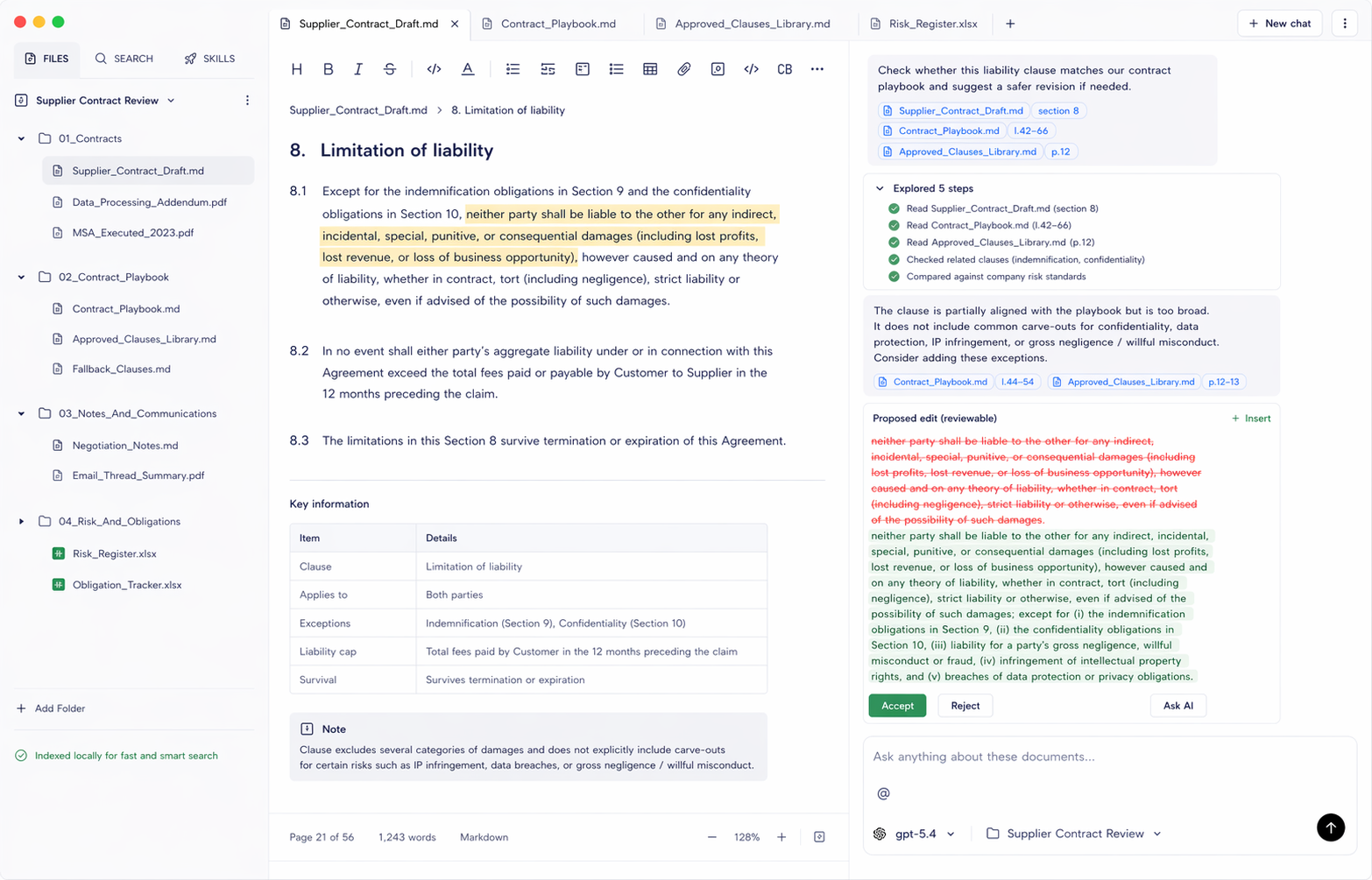
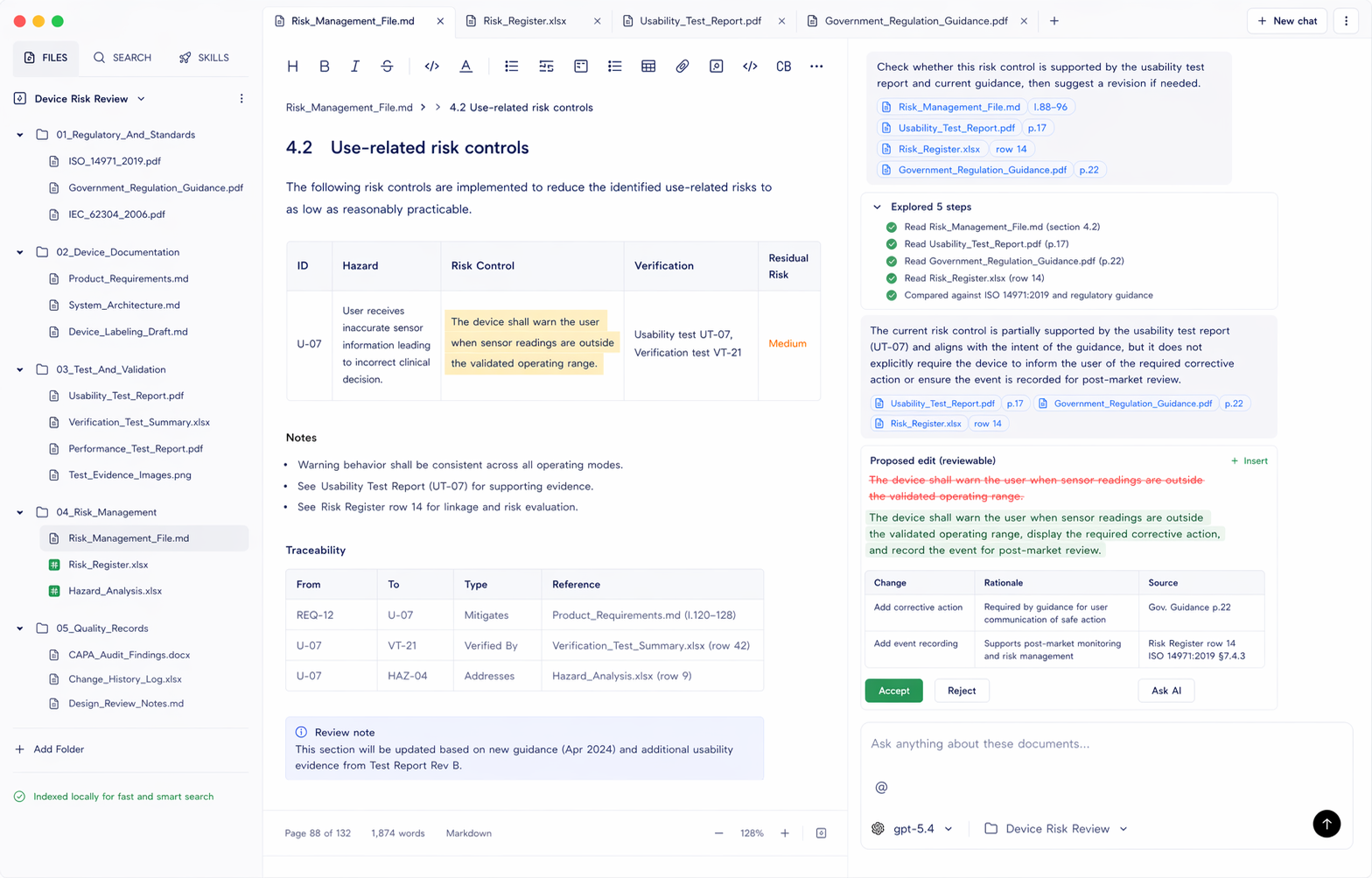
Document.Bot is built for source-backed work inside a real folder of PDFs, Word files, spreadsheets, Markdown, and notes.
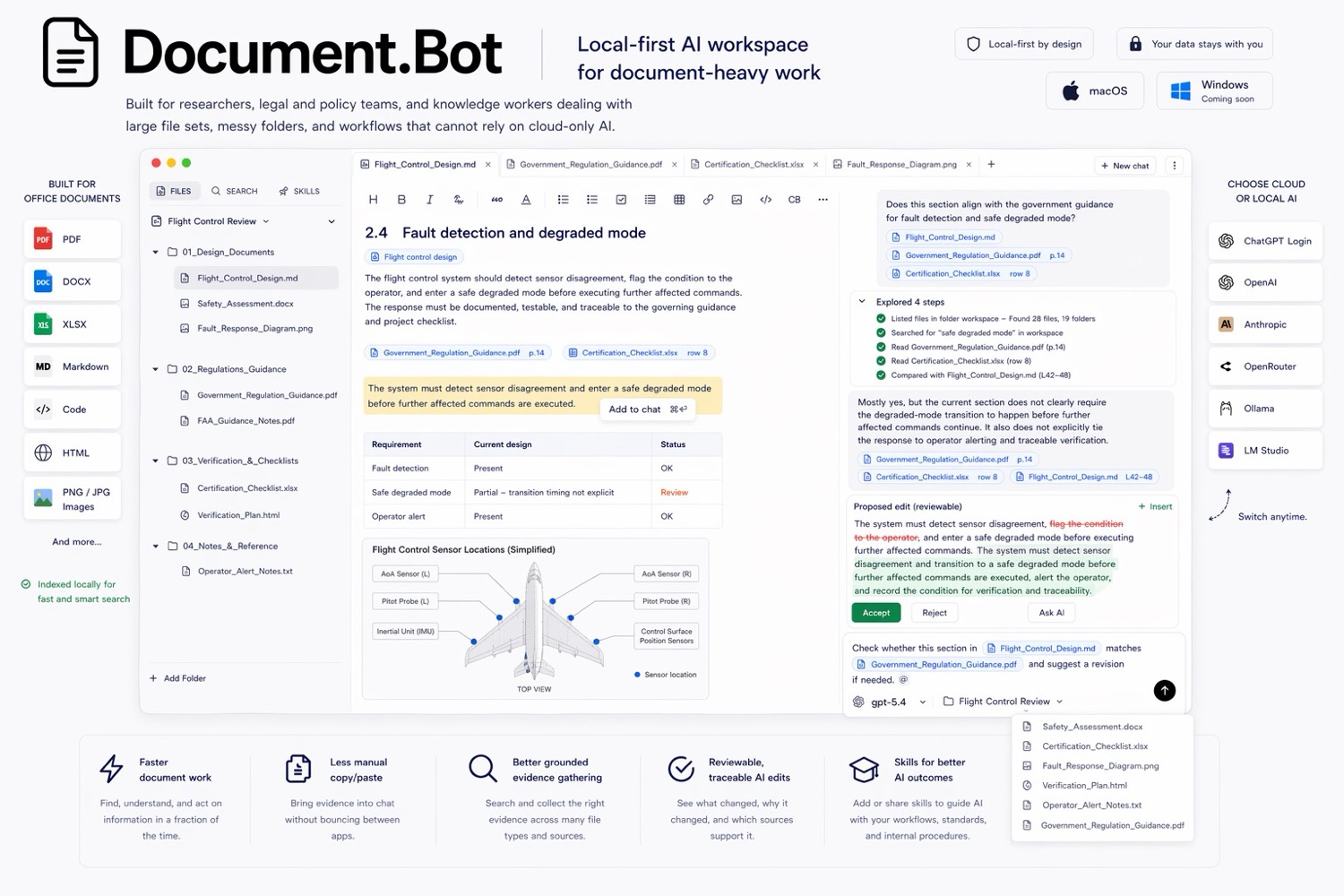
Document.Bot local-first document workspace

How to Test an AI Document Search Tool Before Trusting It

· 7 min read

Do not trust an AI document search tool because the demo looked good. Test it on your own files, with known-answer questions, "not found" questions, and workflows that require source review before action.

The point is to learn where the tool helps, misses, and whether the review workflow fits your documents.

Document.Bot is built around this search, source, draft, review pattern for real document folders.

Document.Bot local-first document workspace

How to Turn Office Documents Into a Meeting-Ready Brief

· 7 min read

Most office decisions are not hidden in one clean document. They are spread across PDFs, Word drafts, spreadsheets, review comments, meeting notes, and diagrams.

That is why preparing a useful meeting brief can take longer than the meeting itself. Someone has to find the relevant files, read the comments, check the spreadsheet, understand what changed, and turn everything into a concise recommendation.

Document.Bot is designed for that kind of everyday document work. Instead of uploading files one by one into a generic chat, you point Document.Bot at the project folder and ask it to work across the files in place.

The short demo below shows the workflow end to end: Document.Bot starts from a real project folder, inspects PDFs, Word drafts, spreadsheets, comments, and diagrams, then writes a meeting-ready brief back into the workspace with source-backed review items.

How to Find Gaps in an EASA SORA Application Before Submission

· 8 min read

Preparing a SORA-based operational authorisation package is not just filling in one form. It is a document-control problem: the official EASA material, the application draft, CONOPS, operations manual, UAS evidence, risk tables, compliance matrices, mitigation records, pilot records, and national-authority notes all need to stay consistent.

Document.Bot is useful here because it treats the application as a workspace, not as a single uploaded PDF.

Document.Bot SORA application gap review screenshot

Why Uploading Sensitive PDFs To ChatGPT Breaks Regulated Document Workflows

· 4 min read

Uploading a PDF to a generic AI chat tool can be fine for low-risk reading. It breaks down when the document is sensitive, regulated, operationally important, or part of a larger folder of related files. The hard part is not getting a fluent answer. The hard part is knowing where the answer came from, whether every relevant source was found, and what should change next.

Document.Bot local-first document workspace poster